Download
Navigation menu

Connect to
your Mac.

See use cases
  1. Set up your Mac

    Download Lunalence Host, drag it to Applications and open it there. Verify your email, then allow Screen & System Audio Recording and Accessibility in macOS.

    Get Host and client
  2. Pair your device

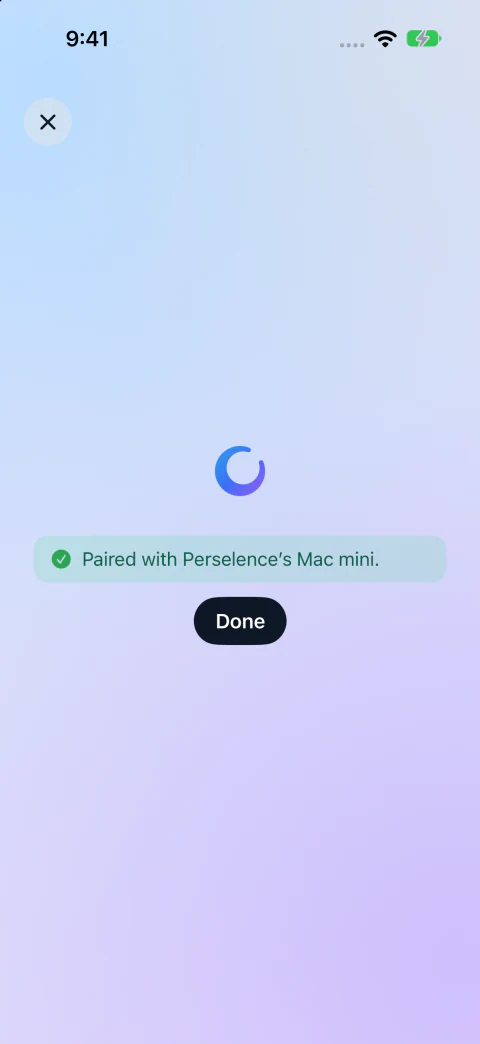
    On the same local network, choose Pair a Device in Host. In the client, choose Pair a Mac and scan the code or enter it manually.

  3. Connect from here or away

    Select your paired Mac and press Connect. Before you head out, leave your Mac awake with Host running. To connect from another network, use Pro, connect both devices to a VPN that links them and save the Mac’s VPN address under Remote access.

Get help with setup
Lunalence on an iPhone showing that it has paired with a Mac
Pairing on iPhone

Ways to use Lunalence

Take the call from a quieter room

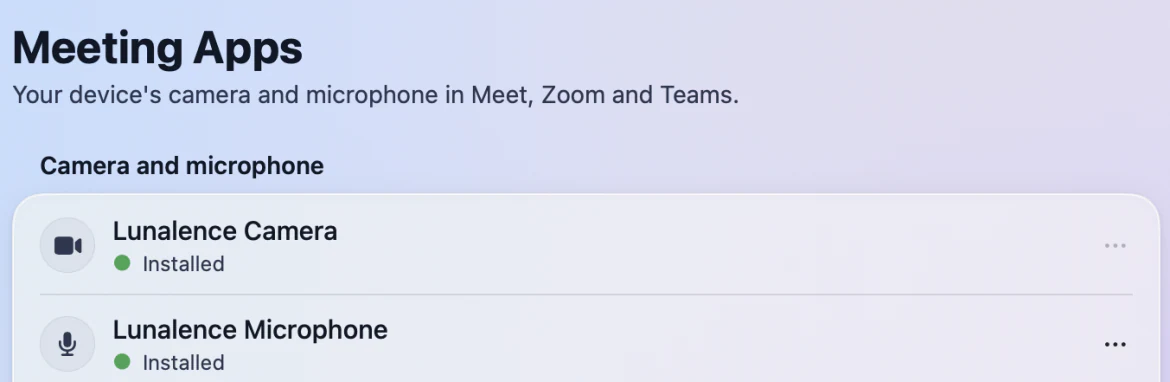
Your meeting is starting and the kitchen is noisy. Take your iPad to another room and open Meet, Zoom or Teams on the Mac through Lunalence. In the iPad session, turn on the camera and mic. In the meeting’s settings, choose Lunalence Camera and Lunalence Microphone. The people on the call see and hear you from the iPad.

Lunalence Host settings showing Lunalence Camera and Lunalence Microphone installed
Set up both devices in Host → Settings → Meeting Apps before your first call.

Present the deck you left open

A client asks to see the latest numbers. From your iPad, bring up the Keynote deck on your Mac. Use the meeting app’s share control to share the presentation window, then advance the slides from the iPad. Everyone sees the version you just edited.

Run a local model from the train

Your model fits on the Mac Studio at home. From your iPad, connect over your VPN, open the model’s chat window on the Mac and try a different prompt. The Mac runs the model while you read the answer on the train.

Review a coding agent’s next step

You step out while an agent is working on your Mac. When you check in from your iPhone, it’s waiting for a decision. Read the proposed change in your editor, then approve it or ask for a revision in the agent’s window.


How it works · Lunalence